
Copyright (c) 2023, Intercom, Inc. (
[email protected]) with Reserved Font Name "Montserrat". This Font Software is licensed under the SIL Open Font License, Version 1.1.Copyright (c) 2023, Intercom, Inc. (
[email protected]) with Reserved Font Name "Inter". This Font Software is licensed under the SIL Open Font License, Version 1.1. Table of contents Adding Attachments to List Items

Add File Attachments to your List Items
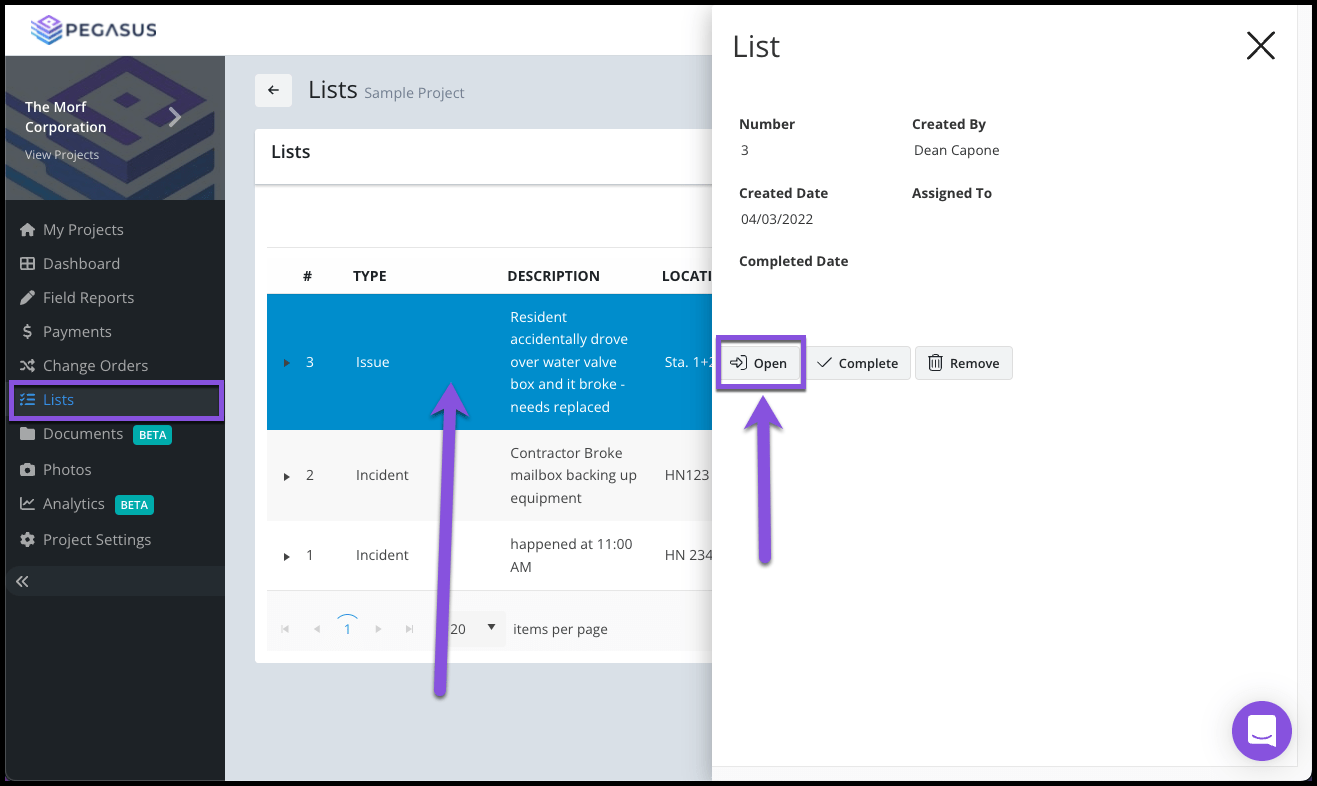
Updated over 2 years ago Table of contentsNavigate to your project's List page and select a List item in the grid.
From the side blade widget, select the Open button.

Locate the Attachments section (beneath the Comments section) and select the Upload button.

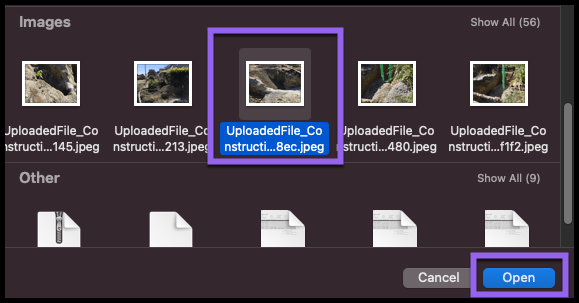
Select a file or multiple files from your device's file browser pop up to add to your Pay Estimate as an Attachment.

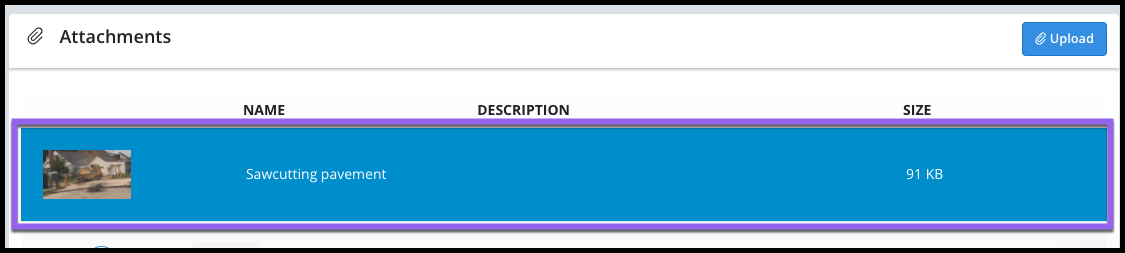
Your file Attachment will now display in the grid. A preview of the file or image will display in the left column of the grid.

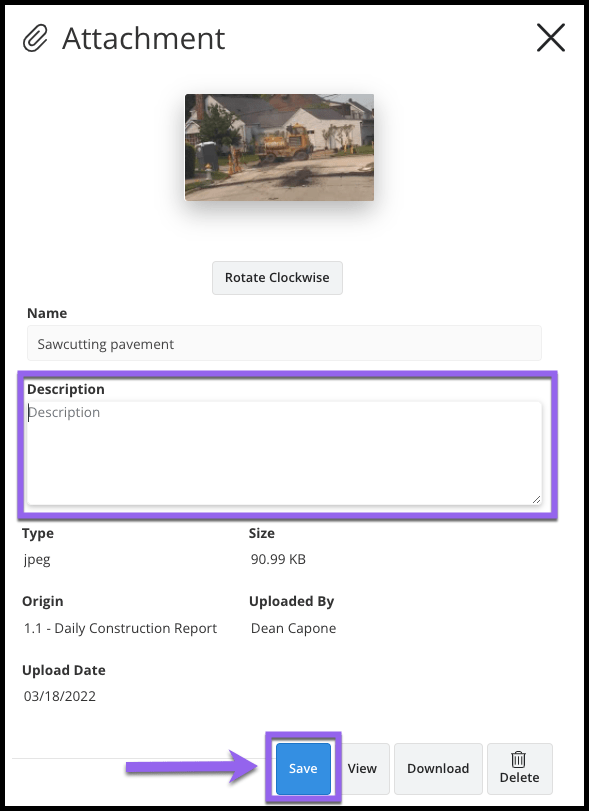
To add a Description to your Attachment select the record and begin typing in the Description box. Example descriptions include what the file is, the location, general notes or remarks, etc.
Select the Save button.
